
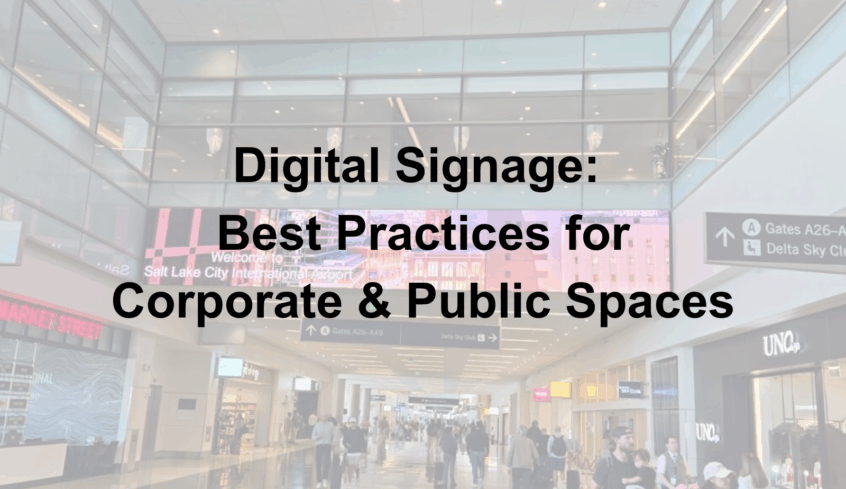
Digital signage has become a cornerstone of communication for both corporate offices and public spaces. From lobby displays that greet visitors to interactive screens that share updates or promote key messages, digital signage enhances engagement, efficiency, and brand image.
At Technology Providers Inc. (TPI), we help businesses and organizations integrate cutting-edge audio visual (AV) systems that deliver clear, dynamic, and scalable communication solutions. Here are the top best practices to ensure your digital signage strategy makes a lasting impact.
1. Define Your Goal and Audience
Before installing a display or designing content, identify your signage’s primary purpose.
- Corporate environments: Focus on internal communication, employee engagement, or visitor information.
- Public spaces: Highlight wayfinding, event schedules, safety updates, or community messaging.
Understanding your audience ensures your digital signage content remains relevant, informative, and visually engaging.
2. Choose the Right Display Technology
Not all displays are created equal. Consider where your signage will live and how it will be used.
- LED walls are perfect for large, high-traffic areas like lobbies or auditoriums.
- LCD displays offer a cost-effective solution for conference rooms and hallways.
- Interactive touchscreens enhance engagement in public-facing environments.
At TPI, our AV integration experts design systems that balance clarity, brightness, and energy efficiency for every environment.
3. Optimize Your Content for Visibility
The most advanced display won’t make an impact without great content. Follow these content design best practices:
- Keep text minimal and legible — use bold fonts and high contrast.
- Stick to 1 key message per slide or frame.
- Use your brand’s colors, logo, and consistent templates.
- Incorporate dynamic content like video loops or motion graphics to capture attention.
Good content design reinforces your message and strengthens your organization’s visual identity.
4. Integrate Digital Signage with Your AV Systems
For the best results, integrate your digital signage into your broader AV infrastructure.
This allows for seamless control, real-time updates, and remote management.
With TPI’s expertise in AV system integration, organizations can schedule content, update messaging instantly, and even sync signage with live events or data feeds.
5. Keep It Fresh and Data-Driven
Outdated messaging can quickly lose viewer trust.
- Regularly update displays with new content and time-sensitive announcements.
- Use analytics tools to track engagement, dwell time, and effectiveness.
- Rotate between different types of content — news, company culture highlights, recognition boards, or upcoming events.
Consistent updates help keep your audience engaged and ensure your investment continues delivering ROI.
6. Ensure Reliability and Maintenance
A reliable digital signage system requires consistent monitoring and proactive maintenance. Partner with an AV integrator like TPI to manage updates, connectivity, and hardware support, ensuring displays stay operational and effective.
The Future of Digital Signage
As workplaces evolve, digital signage is becoming even more intelligent and connected. Expect to see greater use of automation, AI-driven content scheduling, and integration with collaboration tools like Microsoft Teams and Zoom Rooms.
TPI’s integrated AV solutions make it easier for companies and organizations to stay ahead of these trends — combining technology, creativity, and communication.
Ready to Elevate Your Visual Communication?
At Technology Providers Inc., we specialize in AV integration, digital signage systems, and corporate collaboration technology that drive connection and engagement.