
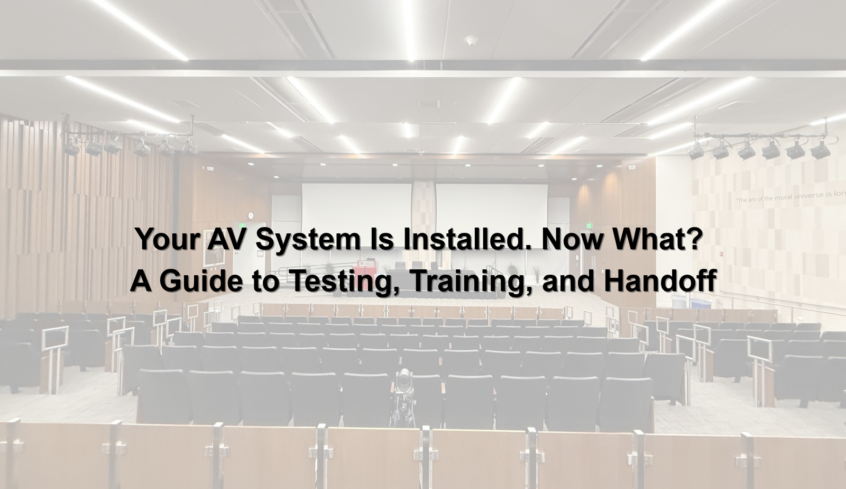
Your new audiovisual system has been installed. The displays are mounted, microphones are connected, and control systems are in place. Everything looks ready to go.
But is the system truly ready for everyday use?
AV installation is only one part of a successful audiovisual integration project. Before a system is fully handed over, it needs to be tested, configured, documented, and introduced to the people who will use it.
From corporate conference rooms and university classrooms to courtrooms and government meeting spaces, a structured AV system handoff helps organizations get the most out of their technology.
Here’s what should happen after installation and why each step matters.
1. What Happens After an AV System Is Installed?
Once the physical installation is complete, the next phase typically involves system testing, commissioning, user training, documentation, and final acceptance.
These steps help verify that the installed technology performs as intended and that the organization is prepared to operate and maintain it.
Depending on the project, this process may include:
- Testing microphones, speakers, displays, and video conferencing equipment.
- Verifying that control systems operate connected devices correctly.
- Checking audio levels, video signals, and system functionality.
- Confirming that equipment is configured according to project requirements.
- Training employees on everyday system operation.
- Providing documentation and reviewing outstanding items before final acceptance.
A successful AV project isn’t just about installing technology. It’s about making sure that technology works for the people using it.
2. What Is AV System Commissioning, and Why Is It Important?
AV system commissioning is the process of verifying and documenting that an audiovisual system has been installed, configured, and tested according to its intended design and project requirements.
During commissioning, AV professionals evaluate how individual components perform and how they function together as a complete system.
For example, a conference room may have high-quality microphones, displays, and cameras, but those components still need to communicate and operate correctly.
Commissioning may involve:
- Audio testing: Checking microphone coverage, speaker output, audio processing, and overall sound clarity.
- Video testing: Verifying display performance, signal routing, resolution, and source switching.
- Control system testing: Confirming that touch panels and programmed controls perform the intended functions.
- Video conferencing testing: Evaluating camera operation, microphone pickup, speaker output, and conferencing functionality.
- System integration testing: Ensuring connected components respond correctly during typical room operations.
The goal is to identify and resolve issues before the system becomes part of daily operations.
For organizations that rely on audiovisual technology for meetings, presentations, instruction, or public proceedings, thorough testing can help reduce disruptions and improve system reliability.
3. Why Is AV User Training Necessary?
Even a well-designed AV system can create frustration if employees don’t know how to use it.
AV user training helps employees understand how to operate the system confidently, perform common tasks, and recognize when technical support is needed.
For example, users may need to know how to:
- Start a meeting or presentation.
- Connect a laptop or select a content source.
- Adjust microphone and speaker volume.
- Operate cameras and video conferencing equipment.
- Switch between different room configurations.
- Shut down the system properly.
- Contact technical support when an issue occurs.
Training should reflect how the organization actually uses the space.
A courtroom clerk, university instructor, and corporate employee may interact with AV technology differently, even when some of the equipment is similar.
Providing practical, role-specific training helps reduce confusion and supports a smoother transition to the new system.
For frequently used spaces, quick-reference guides can also help employees remember basic operating procedures.
4. What Documentation Should Be Included in an AV System Handoff?
Once an audiovisual system has been installed and tested, organizations need access to the information required to operate, support, and maintain it.
AV system documentation provides a record of the installed technology, its configuration, and the resources needed for ongoing support.
Depending on the project scope and contract requirements, documentation may include:
- Equipment lists and model information.
- System diagrams and connection details.
- Operating instructions and user guides.
- Control system documentation.
- Warranty information.
- Relevant configuration records.
- Support and service contact information.
- Testing results and outstanding-item records.
Accurate documentation is particularly valuable for IT departments, facilities managers, and technical support teams.
When equipment needs troubleshooting, maintenance, or replacement, having organized system information can make the process more efficient.
It also helps organizations plan future upgrades without having to reconstruct how the original system was installed.
5. What Happens During Final AV System Acceptance?
Before a project is officially closed out, the client and AV integrator typically review whether the system meets the agreed-upon project requirements.
This process is often referred to as system acceptance.
Depending on the contract, final acceptance may involve a system demonstration, review of testing results, confirmation of required training and documentation, and identification of any remaining issues.
If outstanding items exist, they should be documented along with the agreed-upon next steps.
System acceptance helps establish a clear understanding of what has been completed and what, if anything, still needs attention.
It may also establish important dates related to project completion, warranties, and ongoing support, as defined by the contract.
6. How Can Organizations Maintain AV System Performance After Installation?
The end of an AV installation project doesn’t mean the technology will never need attention again.
Like other connected technology, audiovisual systems may require periodic maintenance, software updates, configuration adjustments, and troubleshooting.
Organizations can support long-term AV system performance by:
- Establishing a preventive maintenance schedule.
- Keeping approved software and firmware updates current.
- Monitoring equipment performance and recurring issues.
- Maintaining accurate system documentation.
- Training new employees on system operation.
- Reviewing system needs as technology and workflows change.
For network-connected AV systems, maintenance should also be coordinated with the organization’s IT policies and security requirements.
A proactive approach to AV maintenance can help organizations identify potential issues before they interfere with important meetings, presentations, or daily operations.
The Final Step in Successful AV Integration
A successful audiovisual system should do more than function during its initial demonstration. It should support reliable communication, simplify everyday tasks, and give users confidence in the technology around them.
That’s why testing, commissioning, training, and documentation are important parts of the AV integration process.
At Technology Providers, Inc. (TPI), we understand that effective audiovisual solutions involve more than equipment. From system design and integration to preparing spaces for everyday use, our focus is on helping organizations implement technology that supports their operational needs.
Planning a new AV installation or upgrading an existing space?
Visit technoprov.com to learn more about TPI’s audiovisual integration solutions and connect with our team.